
Navigating Complexity at Scale
Project Overview
Designing for the "invisible" user
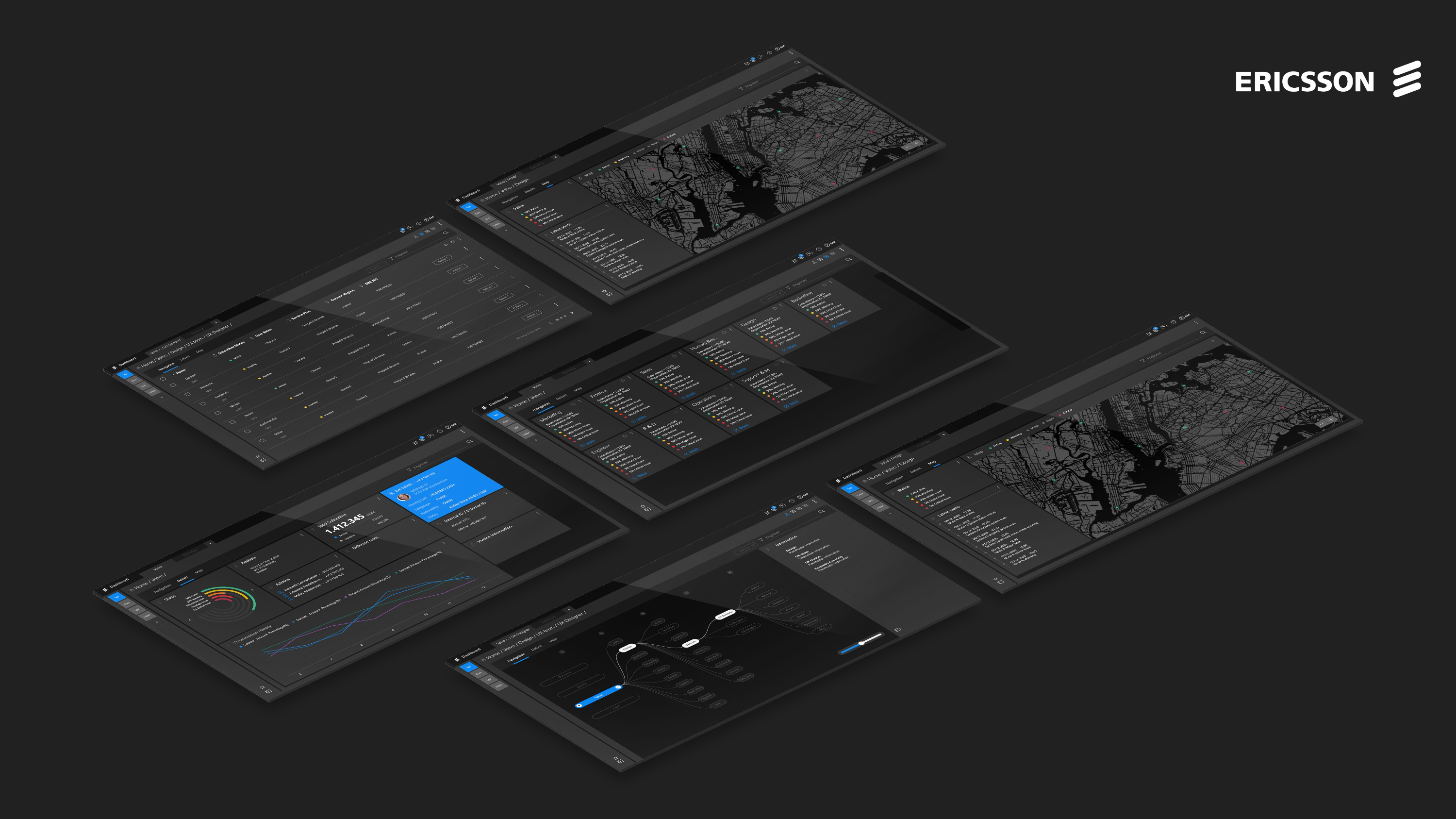
Our team partnered with Ericsson to take on a real-world UX challenge: visualizing large, distributed company hierarchies in a way that feels human. We focused on the account managers and admins who spend their lives in these systems.
The goal was to move from technical data management to a smooth, intuitive exploration of deep organizational structures.
The Challenge
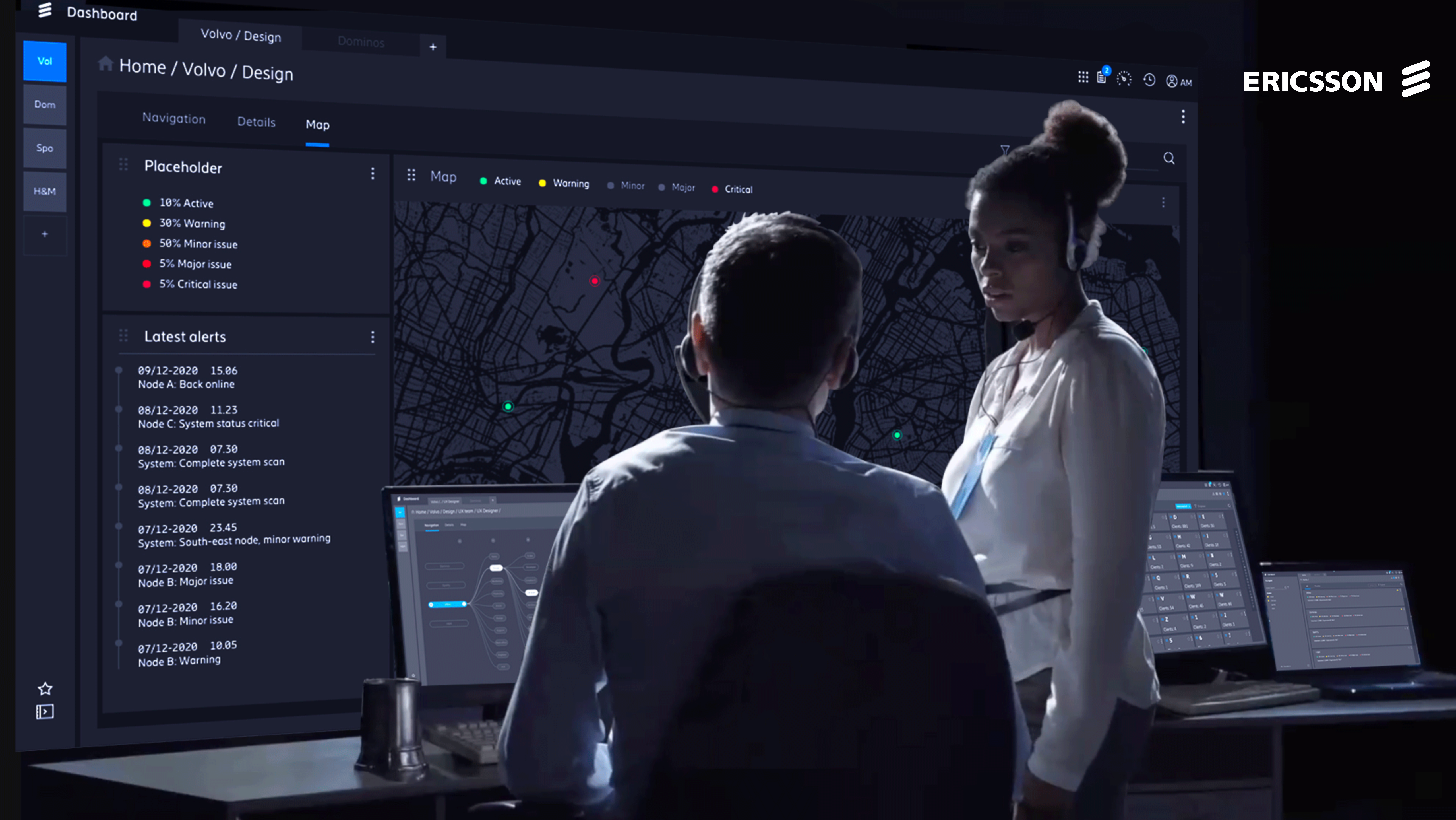
The central problem was scale. How do you let a user navigate thousands of nodes across multiple levels without them losing their sense of place? The existing systems were functional but mentally exhausting. We focused on:
- navigating deep hierarchies without getting lost
- designing for high-pressure enterprise environments
- supporting multiple roles with a single, flexible interface
- balancing massive data with clear, task-specific actions
Ericsson gave us no content. The prototype had to rely on UI logic alone to communicate the system's structure.
Insight & Approach
Speed is the ultimate metric
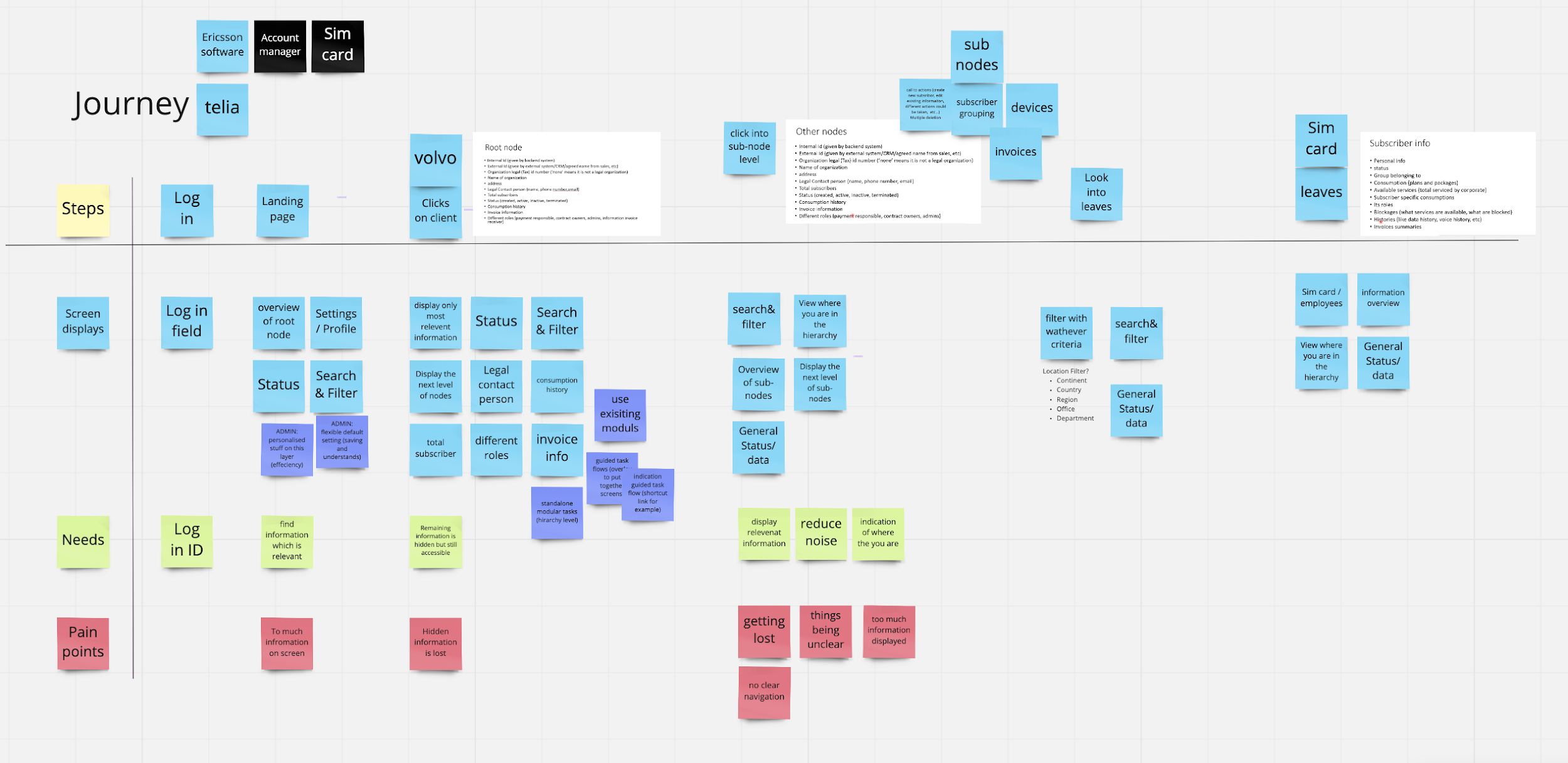
In enterprise design, beauty is secondary to efficiency. Every extra click is a failure. We learned that the interface shouldn't just exist: it should disappear, leaving only the task at hand. Users don't need to see everything; they need to see exactly what matters right now.
The Approach
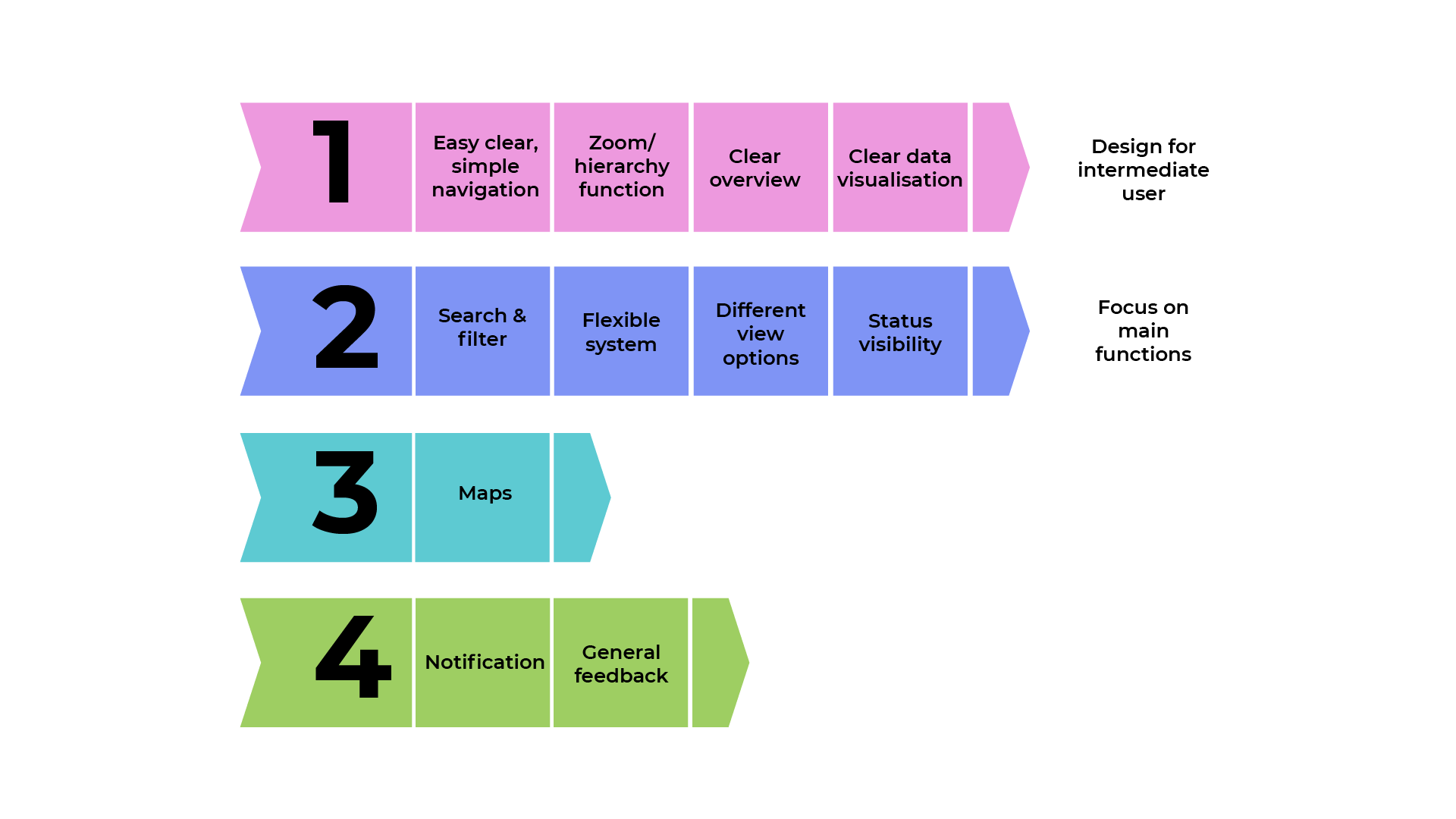
We anchored our design in three principles:
- Speed: Reduce friction at every single touchpoint.
- Hierarchy: Make the structure visible and traversable in both directions.
- Context: Ensure the user always knows exactly where they are in the tree.
Key Changes
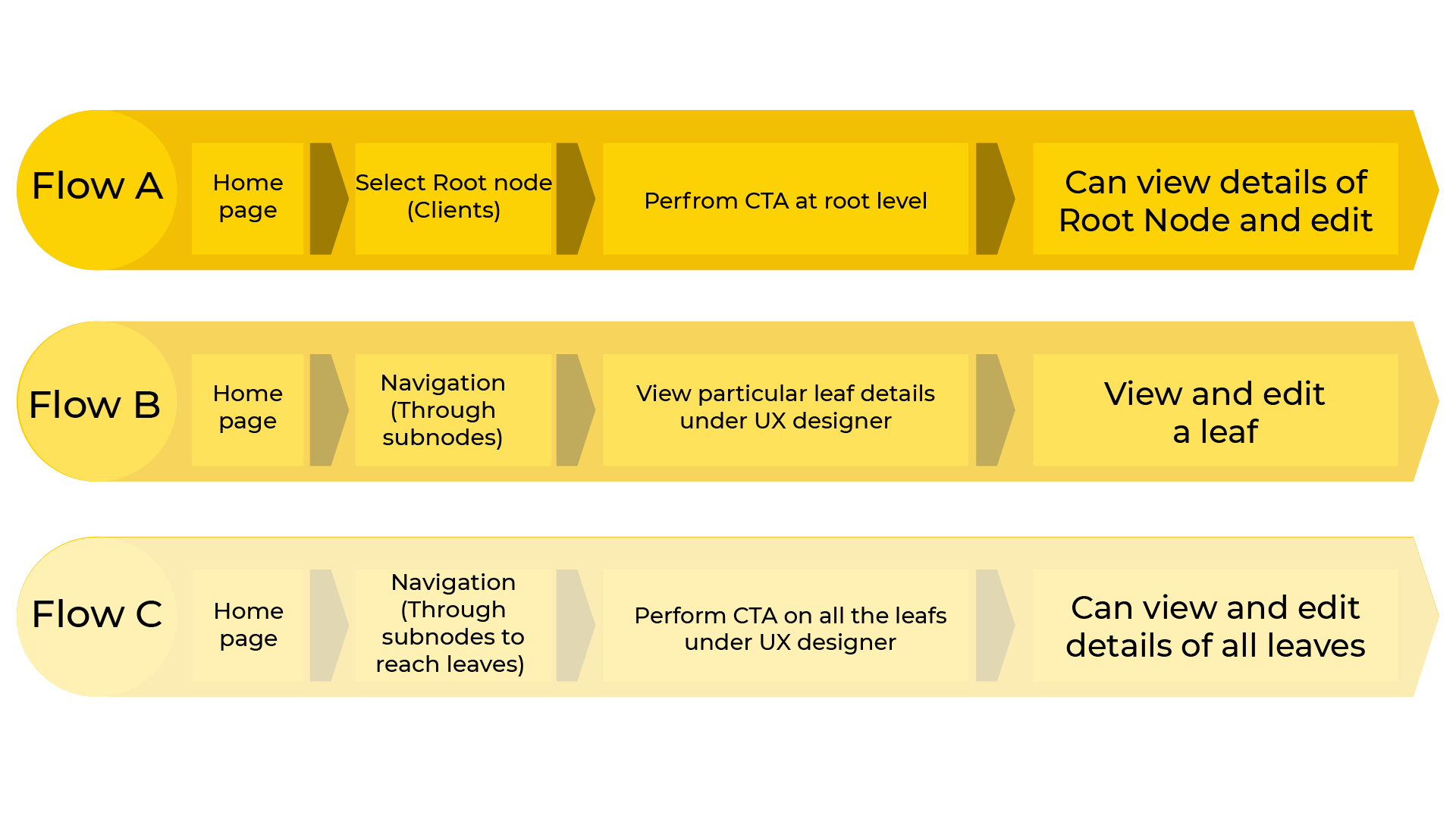
We shifted the system from data storage to user journey.
Drill-down navigation
Created a smooth, visual way to dive deep into structures and pop back up without losing context.
Role-based dashboards
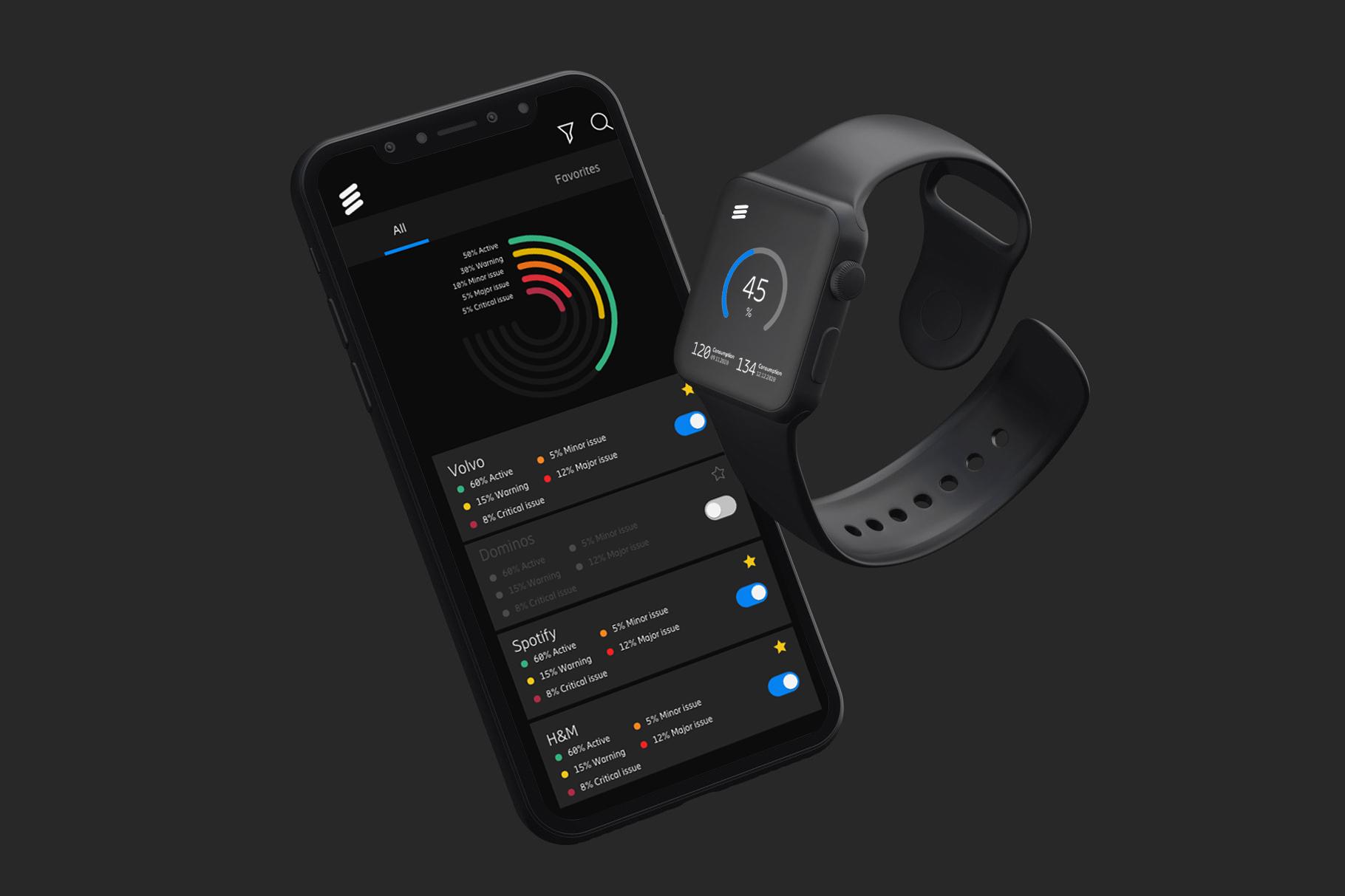
Designed a system that adapts to what the specific user needs to see, whether they are an admin or an account manager.
Device scaling
Proved the concept could work from the desktop down to the smartwatch, maintaining clarity at every size.
Outcome
The result was a conceptual solution that stakeholders called a "huge upgrade." Results included:
- optimized navigation that saves hours of manual searching
- a flexible system capable of handling enterprise-scale data
- high praise from Ericsson’s core UX and management teams
Reflection
Complexity isn't a problem to be hidden; it's a structure to be organized. When you design for scale, you're not just building an interface: you're building a tool that respects the user's time and mental energy.
This project strengthened my belief in the power of rapid prototyping and in letting the interface speak for itself.